
Best TVs and Monitors for PS6: 4K 120Hz, HDMI 2.1 and What Actually Matters
Author: Martin Pavlič /
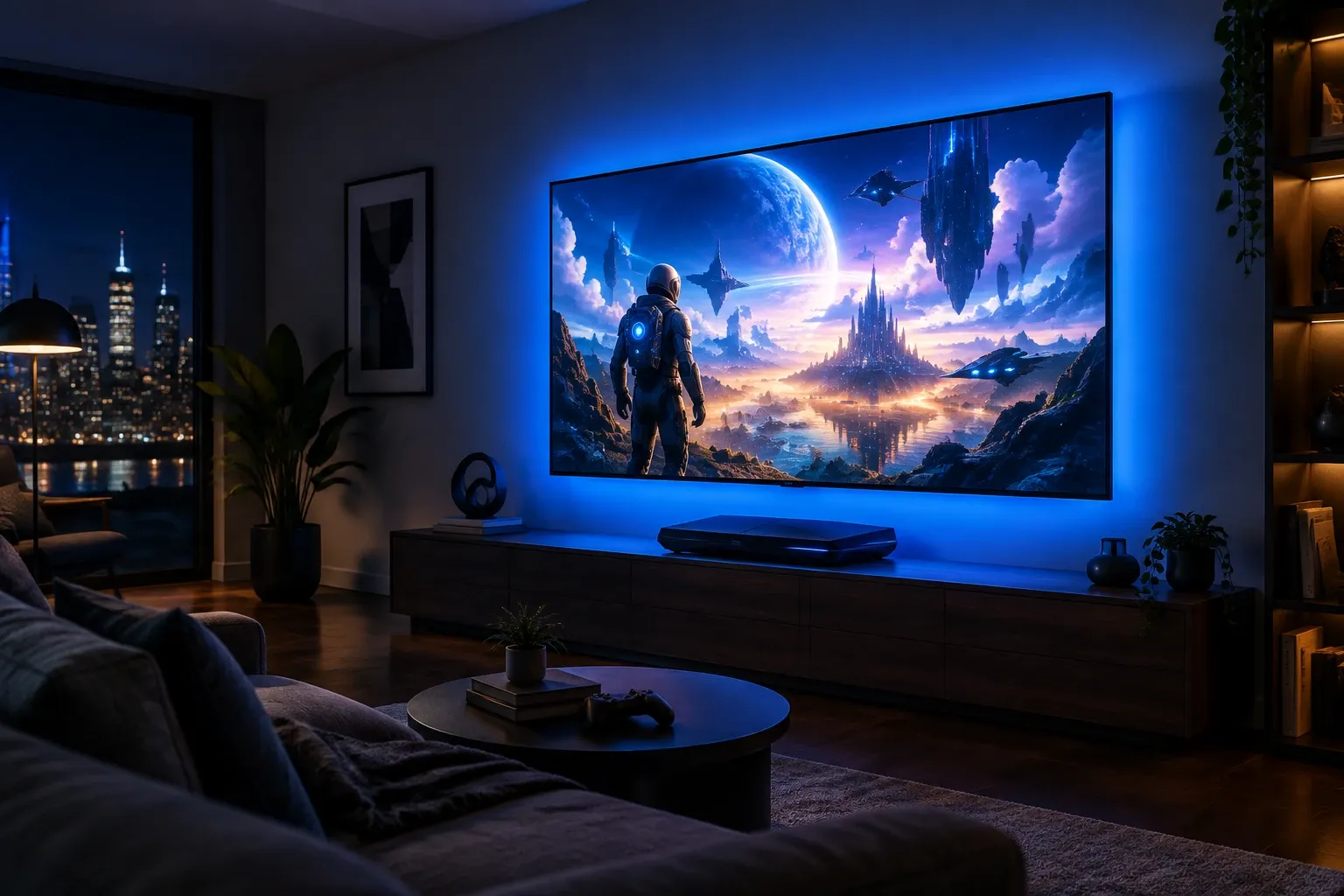
For PS6, buy a 4K 120Hz TV with HDMI 2.1, ALLM and VRR, ideally OLED or Mini-LED, in the 55-65 inch range. That combination covers everything the console will realistically output. Don’t pay extra for 8K, don’t fear 60Hz if you play cinematic single-player games, and don’t buy a new display before reading the spec checklist below.
PS6 display specs aren’t official, but the output targets are easy to predict from the hardware trajectory in specs and performance: 4K 60 FPS as the standard mode, 4K 120 FPS or 1440p 120 FPS performance modes, AI upscaling doing heavy lifting, and 8K remaining a checkbox feature.
What PS6 will actually output
| Output mode | Likelihood | What it needs from your display |
|---|---|---|
| 4K 60 FPS (quality mode) | Near certain - the default | Any 4K HDR TV from the last 8 years |
| 4K 120 FPS (performance mode) | Likely in many games | 4K 120Hz panel + HDMI 2.1 |
| 1440p 120 FPS | Likely as fallback mode | 120Hz+ panel (TV or monitor) |
| 8K 30/60 FPS | Possible as a logo bullet, rare in practice | 8K TV (not recommended, see below) |
| 40 FPS fidelity mode | Likely in first-party games | 120Hz panel with VRR (40 divides into 120 evenly) |
The single most impactful upgrade over an old TV is the jump to 120Hz input with VRR. Everything else is refinement. A 2026 leak reported by TechPowerUp even tips 4K 120 FPS in most PS6 games, which would make a true 120Hz panel essentially mandatory rather than merely recommended (unconfirmed, treat as rumor).
The spec checklist (in priority order)
Must-haves - don’t buy without these:
- 4K resolution with HDR (HDR10 minimum; Dolby Vision support is a bonus, rarely used by games).
- 120Hz native panel (not “motion rate 120” marketing - check the true panel refresh).
- HDMI 2.1 ports (at least 2 full-bandwidth 40-48 Gbps ports; some TVs put 2.1 on only 2 of 4 ports).
- VRR + ALLM (variable refresh rate kills screen tearing; auto low-latency mode switches to game mode).
- Input lag under 15 ms in game mode (most modern gaming TVs hit 5-10 ms; check reviews, not box specs).
Worth paying for: 6. OLED or Mini-LED panel. OLED wins contrast and response time; Mini-LED wins brightness for sunny rooms. Either beats basic LED by a mile in HDR games. 7. Good HDR peak brightness: 700+ nits for OLED, 1,000+ for Mini-LED. Cheap “HDR” TVs at 300 nits barely show the effect. 8. eARC support if you run audio through a soundbar or receiver.
Marketing to ignore:
- 8K. No PS6 game will render native 8K with acceptable fidelity, and at normal viewing distances you can’t see the difference over 4K. An 8K panel costs 2-3x for zero visible gain.
- 144Hz+ on TVs. PS6 won’t output above 120 FPS. High-refresh marketing beyond 120Hz is monitor-industry spillover.
- AI picture modes for gaming. They add latency. Use game mode, always.
TV vs monitor: which for PS6?
| Big TV (55-77”) | Gaming monitor (27-32”) | |
|---|---|---|
| Best for | Couch, shared room, movies + games | Desk setup, competitive shooters |
| Immersion | Unmatched | Good, but smaller |
| 120Hz cost | Mid-range TVs include it now | Standard on gaming models |
| HDR quality | Much better (brightness, local dimming) | Mostly mediocre HDR except premium OLED |
| Text/UI sharpness at desk distance | Poor if too close | Excellent |
| Price for quality 4K 120Hz | ~$800-1,500 | ~$500-900 |
Default advice: TV for the living room, monitor only for a desk. Most PS6 buyers play on a couch, and HDR immersion on a 65” OLED is the single biggest visual upgrade available, bigger than any console spec bump.
Size and viewing distance
Simple rule: viewing distance in cm ÷ 2 ≈ ideal diagonal in cm for 4K. Practical version:
| Viewing distance | Recommended size |
|---|---|
| 1.5 m (desk / small room) | 43-50” |
| 2-2.5 m (typical couch) | 55-65” |
| 3 m+ (large living room) | 65-77” |
Bought too small is the #1 regret in every TV survey. If torn between 55” and 65” at similar quality, take the 65”.
Panel types compared for PS6 gaming
| Panel | Contrast / blacks | Brightness | Burn-in risk | Price | Best for |
|---|---|---|---|---|---|
| OLED (incl. QD-OLED) | Perfect | Good (great on 2025+ models) | Low with normal varied gaming; HUD-heavy 8h/day sessions need care | $$$ | Dark rooms, cinematic games |
| Mini-LED | Excellent | Best | None | $$-$$$ | Bright living rooms |
| Basic LED/QLED | Mediocre | Good | None | $ | Tight budgets only |
For mixed gaming with static HUDs, modern OLEDs with pixel-shift and logo-dimming handle thousands of hours fine. If one game with a bright static HUD will run 6+ hours daily for years, Mini-LED is the worry-free pick.
Should you buy a display before PS6 launches?
- Your TV is 4K 60Hz, no VRR: start shopping, but wait for seasonal sales. Prices on 65” 120Hz models fall 15-25% during major sale events.
- Your TV already has 4K 120Hz + VRR: you’re done. PS6 will shine on it day one.
- You’re buying PS6 at launch anyway: budget display + console together. Sony has not announced a PS6 price (its 8 May 2026 earnings Q&A, page 3, left pricing undecided), but a next-generation console on a $300 1080p TV wastes half the hardware; even today’s PS5 Pro costs $899.99 in the US (PlayStation Blog, 27 March 2026). Our pre-order guide includes realistic total budgeting.
Track console output details in everything we know and PS6 vs PS5 as specs firm up.
Best TVs for PS6 by budget: 2026 picks
The 2026 shortlist for PS6-ready gaming is LG C6/G6 OLED, Samsung S95H/S90H QD-OLED, Sony BRAVIA 9 II/7 II, TCL QM7K/QM8L, and Hisense U7SG, all 4K 120Hz models tracked by RTINGS for PS5/PS5 Pro gaming. Every set below meets the checklist above (true 120Hz, HDMI 2.1, VRR/ALLM); the tiers differ on panel tech, brightness, and price, not on PS6 compatibility.
| Pick | Model (2026) | Panel | Best for |
|---|---|---|---|
| Best overall | LG C6 OLED | OLED | Most buyers: price, picture, and gaming features in balance |
| Premium step-up | LG G6 / Samsung S95H | OLED / QD-OLED | Dark-room cinephiles chasing maximum HDR impact |
| Bright room | Sony BRAVIA 9 II / TCL QM8L | Mini-LED | Sunny living rooms where brightness beats perfect blacks |
| Value Mini-LED | TCL QM7K / Hisense U7SG | Mini-LED / QLED | Big-screen 120Hz gaming on a tighter budget |
| Sony-match | Sony BRAVIA 7 II | Mini-LED | PlayStation households wanting auto-HDR-tone-mapping integration |
Buy the size your room allows (see the distance table above) before chasing a higher tier: a 65” C6 beats a 55” G6 for most couch gamers. Prices fall 15-25% during major sales, so track your pick and buy on discount, ideally timed with your pre-order budget.
Will PS6 support ultrawide 21:9?
Probably not at launch: PS5 never supported ultrawide output, and Sony’s TV-first history suggests PS6 will target 16:9 TVs again, with ultrawide support, if it ever comes, arriving as a later system update. No leak or statement points to 21:9 support, so ultrawide monitor owners should assume letterboxed 16:9 output for now.
What that means if you own or want a 21:9 monitor:
- Existing ultrawide owners: PS6 will play fine with black bars on the sides. You lose screen area but nothing else, and 120Hz/VRR should still work if the monitor offers them over HDMI 2.1.
- Shopping now for PS6: a 16:9 4K 120Hz display is the safe buy. Choose ultrawide only if PC gaming or productivity is the primary use and PS6 is secondary.
- Watch for updates: Sony added 1440p to PS5 two years after launch after insisting it wasn’t needed. Ultrawide could follow the same path if demand is loud enough.
Desk players deciding between formats should also weigh the TV-vs-monitor table above and the resolution discussion in specs and performance.
PS6 picture settings: HGIG, game mode, and calibration
On day one, enable game mode, turn on HGIG for HDR, and run the console HDR calibration once: those three steps deliver roughly 90% of the picture-quality gain available. Everything else is fine-tuning. Do this before judging any game’s graphics.
- Game mode on, always. It cuts input lag from 60-100 ms to under 15 ms by disabling post-processing. Enable ALLM so the TV switches automatically when PS6 wakes.
- HGIG over dynamic tone mapping. HGIG (HDR Gaming Interest Group) lets the console, not the TV, map HDR brightness, which preserves the creator’s intent. Dynamic tone mapping looks punchier in demos but crushes detail in dark scenes.
- Run PS6 HDR calibration once. Adjust until the test logo barely disappears, per the on-screen prompt. Repeat only if you change TVs or move the console to a different display.
- Disable motion smoothing and noise reduction in game mode if your TV leaves any on. They add latency and soap-opera artifacts.
- OLED care: leave pixel shift and logo dimming on, vary content, and don’t pause bright HUDs for hours. Normal mixed gaming needs no babysitting beyond that.
If your TV supports it, check for a dedicated PlayStation preset (Sony BRAVIA models auto-optimize for PlayStation consoles). Revisit everything we know after launch for confirmed output modes worth re-calibrating around.
Frequently Asked Questions
Do I need a new TV for PS6?
No. PS6 will work on any HDMI TV, including 1080p. But to see the generational leap (4K, 120 FPS modes, HDR, VRR), a 4K 120Hz HDMI 2.1 display is strongly recommended.
Is HDMI 2.1 required for PS6?
For 4K 120 FPS and VRR, yes. For 4K 60 FPS, no (HDMI 2.0 suffices). Any gaming TV worth buying today includes HDMI 2.1, so treat it as a filter, not a luxury.
OLED or Mini-LED for PS6?
OLED for dark rooms and maximum picture quality; Mini-LED for bright rooms and zero burn-in worry. Both are excellent. Avoid basic LED if your budget stretches past $700.
Is 8K worth it for PS6?
No. Expect virtually zero native 8K games, and the visible difference at couch distance is negligible. Spend the 8K premium on a larger 4K OLED instead.
What size TV is best for PS6?
55-65 inches for the typical 2-2.5 m couch distance. Measure your viewing distance first; going one size up from your instinct is right more often than not.
Can I use a PC monitor with PS6?
Yes, and it’s ideal for desk setups or competitive play. Just confirm the monitor has HDMI 2.1 (many 120Hz+ monitors only reach full refresh over DisplayPort, which PS6 lacks) and speakers or an audio-out solution, since most monitors sound terrible.
Is QLED better than OLED for PS5 and PS6?
For most gamers, OLED beats QLED: perfect blacks, instant response, and better HDR contrast. QLED (basic LED with quantum dots) wins only on price and peak brightness in very sunny rooms. If burn-in worries you and the TV runs bright static HUDs all day, consider Mini-LED instead, which beats both on worry-free brightness.
Which TV technology is best for PS6 in 2026?
OLED for dark rooms, Mini-LED for bright rooms. In 2026 that means LG C6/G6 or Samsung S95H QD-OLED on the OLED side, and Sony BRAVIA 9 II/7 II, TCL QM7K/QM8L, or Hisense U7SG on the Mini-LED/QLED side. All are 4K 120Hz with HDMI 2.1 and VRR, which is what actually matters for PS6.