
PS6 accessibility: what to check before upgrading from PS5
Author: Martin Pavlič /
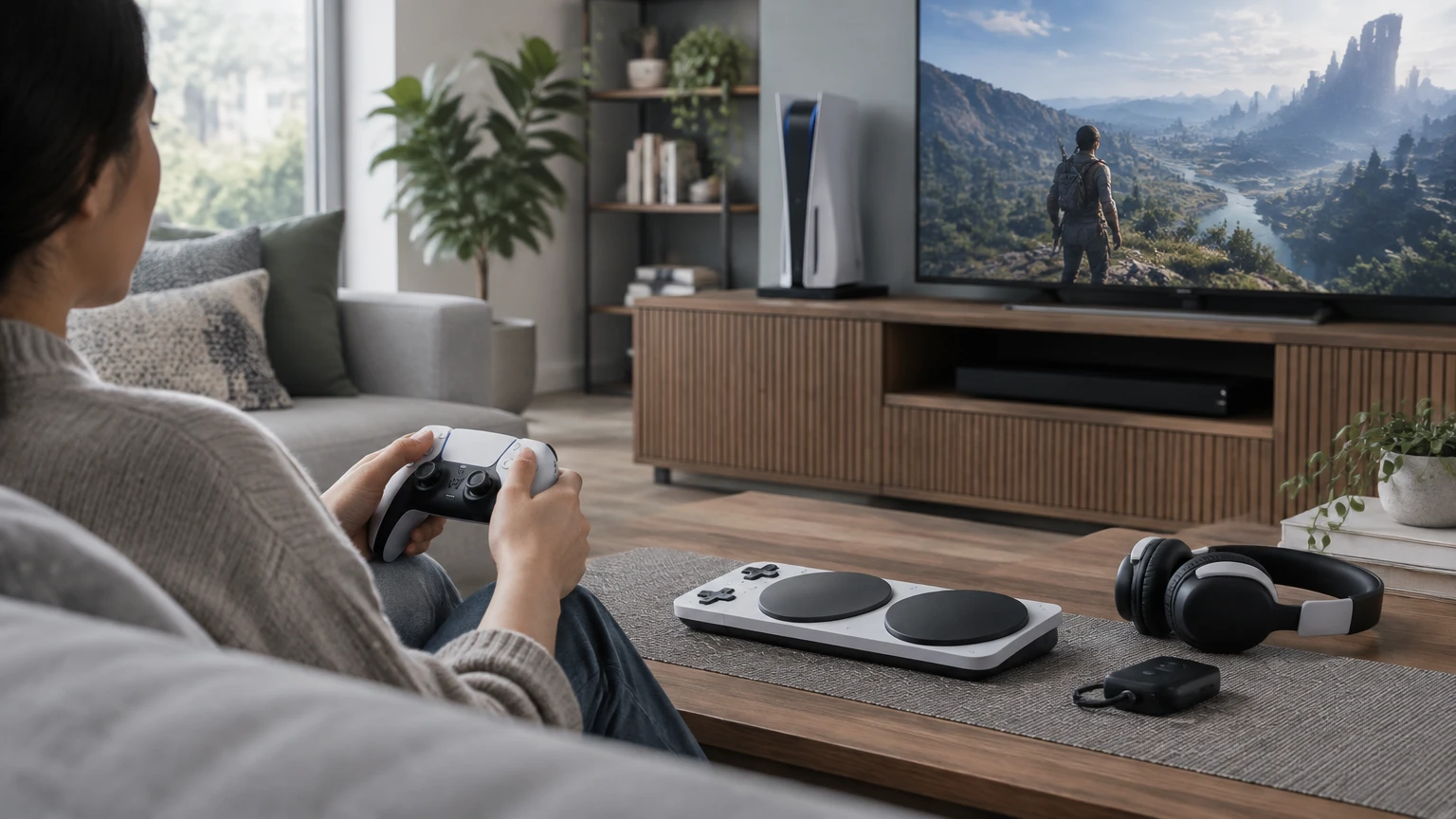
If you rely on accessibility features, start your PS6 upgrade checklist by recording what makes your PS5 usable, then seek PS6-specific confirmation for each requirement. The Sony sources below document PS5 features; they do not establish PS6 accessibility, accessory support or profile transfer.
This is a planning checklist, not a hardware test. The header image is illustrative, not evidence of PS6 hardware or compatibility.
Before shopping: record your PS5 baseline
- Open Settings > Accessibility on PS5. Record the settings you depend on, using Sony’s PS5 accessibility instructions (US English support documentation, checked on October 30, 2026).
- Separate essentials from preferences. Mark anything whose absence would prevent you from setting up the console or playing a favourite game.
- Write down your exact language and games. A general feature name such as “screen reader” is not enough to describe the support you need.
Use these checks as a starting point. Every PS6 question remains something to resolve, not a prediction.
Button remapping
PS5 baseline: Custom DualSense button assignments are available, as documented in PS5 support.
PS6 question: Can your intended controller reproduce each essential assignment?
Screen reader and language
PS5 baseline: The screen reader is available in supported console languages. Check your required language in PS5 support.
PS6 question: Is your language supported, and which screens are covered?
Zoom
PS5 baseline: Zoom is available, with exclusions including Remote Play and broadcasting, according to PS5 support.
PS6 question: Does magnification work in the situations where you need it?
Media captions
PS5 baseline: Closed-caption settings concern supported media, not universal game subtitles. See the scope described by PS5 support.
PS6 question: What supports captions, and what remains controlled by each game?
Game features
PS5 baseline: Store accessibility information describes game features; in-game chat transcription requires game support. Sony explains this distinction in PS5 support.
PS6 question: Does the exact game and edition provide your required options?
Access controller
PS5 baseline: Sony documents configurable control profiles, interchangeable caps and compatible external inputs for PS5 in its Access launch announcement.
PS6 question: Is your complete controller setup explicitly supported, including profiles and external inputs?
The support page is US English documentation. For an international purchase, check the applicable regional guidance and language coverage rather than assuming the same availability everywhere.
Before choosing games: check their own options
Sony’s PS5 accessibility overview (May 8, 2025) distinguishes system features, Access and game-level features. It also describes PlayStation Store Accessibility Tags through which developers identify supported game features.
- Inspect each essential game’s Store accessibility information. List the specific options you need, then consult the game’s own guidance for their scope.
- Keep console and game requirements separate. Menu narration is not evidence that a game narrates its menus or gameplay. Media closed captions do not establish dialogue subtitles inside a game.
- Check the intended edition and platform. Record game availability separately from its accessibility options; our backwards-compatibility guide explains the broader compatibility questions.
Before choosing accessories: document the whole setup
Sony’s December 6, 2023 Access announcement concerns PS5. It documents interchangeable button and stick caps, configurable PS5 profiles and compatible external inputs through expansion ports. It does not establish PS6 support.
- List every component. Record your controller, caps, external inputs, mounting arrangement and any additional controller you use.
- Record the required behaviour. Note assignments and profile changes you need, rather than writing only “Access compatible”.
- Require explicit PS6 documentation. Check the complete intended setup and whether profiles can transfer or must be recreated. Do not infer compatibility from a connector or from PS5 support.
Before buying: resolve easy-to-miss requirements
- Check first-time setup. Seek documentation showing how you can enable essential features before relying on them for normal navigation.
- Check language and context. Confirm the particular menus, games and media you use, not just a feature’s presence on a specification list.
- Keep unresolved essentials visible. If evidence does not answer a requirement, leave it unresolved and delay the purchase if that requirement is necessary for you to play.
Hypothetical example: a player needs English menu narration and remapped inputs. Confirmation of narration alone would leave their buying checklist incomplete. They would still need evidence for their input assignments, intended controller and essential games. This example does not establish suitability for any individual.
Copy or print this worksheet
Repeat this list for each essential requirement:
- Required feature: ____________________
- Exact language, game/edition or accessory setup: ____________________
- Current PS5 settings to reproduce: ____________________
- Official PS6 source URL and date checked: ____________________
- Remaining limitation or unanswered question: ____________________
- Decision: confirmed / unresolved / unsuitable
- Would an unresolved answer delay my purchase? ____________________
Sources and scope
All three official sources were checked on October 30, 2026:
- How to use accessibility settings on PS5 consoles: US English support instructions; no publication or update date displayed.
- Access controller launch announcement: December 6, 2023, global PS5 announcement reflecting information at publication.
- Accessibility and PS5: Our History of Features From Launch to 2025: May 8, 2025, international corporate overview of PS5.